
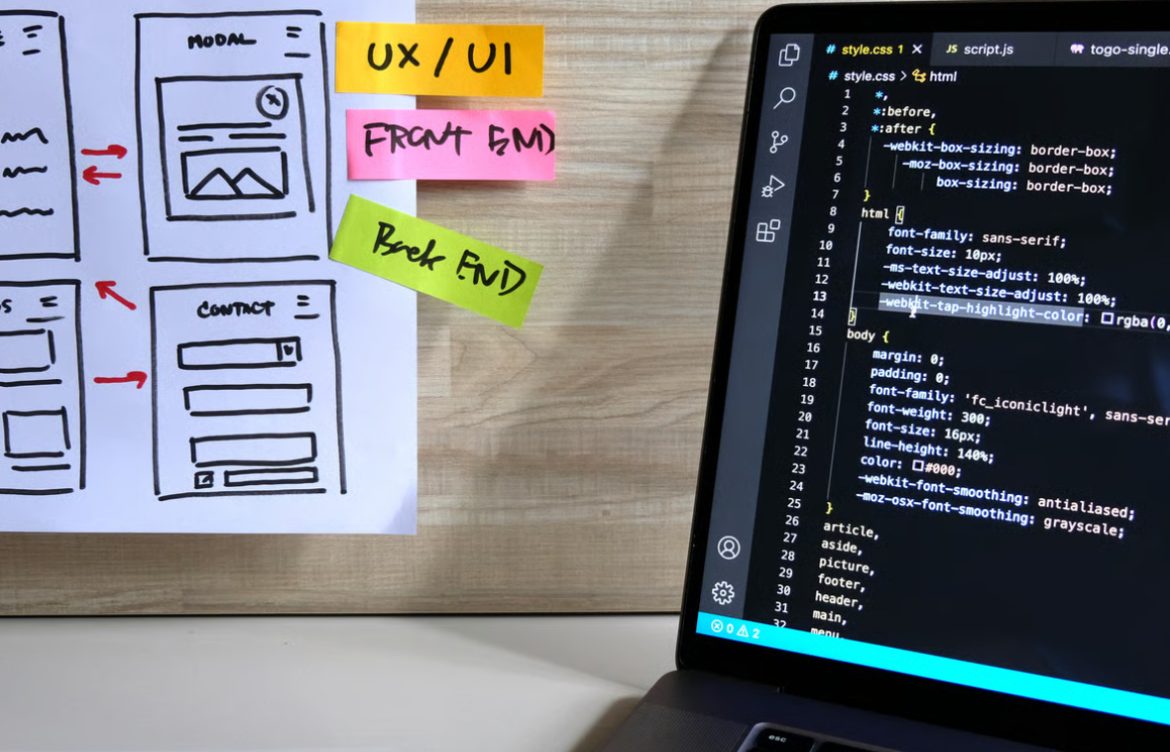
UI Design Basics for Developers
Introduction
User Interface (UI) design is a crucial part of frontend development. It determines how a website or app looks and how users interact with it. For teen girls learning frontend development, understanding UI design principles helps in creating visually appealing, user-friendly, and accessible websites.
This guide covers the basics of UI design, key principles, practical tips, and tools that every frontend developer should know.
1. What Is UI Design?
UI design focuses on the visual aspects of a website or application. It includes elements like:
- Buttons
- Navigation menus
- Forms
- Typography
- Colors and icons
A well-designed UI ensures users can navigate the site easily and enjoy their experience.
Difference Between UI and UX:
- UI (User Interface): Looks and layout of the product
- UX (User Experience): Overall experience, usability, and satisfaction
Frontend developers often work closely with UI designers or handle both design and development themselves.
2. Key Principles of UI Design
2.1 Simplicity
Keep the interface clean and easy to understand. Avoid clutter and unnecessary elements.
Tip: Use whitespace effectively to separate sections and focus attention.
2.2 Consistency
Maintain uniformity in colors, fonts, buttons, and layout across all pages.
Tip: Create a style guide for fonts, colors, and components.
2.3 Visual Hierarchy
Guide users’ attention using size, color, and placement. Important elements should stand out.
Example: Headlines are larger than body text; primary buttons are more prominent than secondary buttons.
2.4 Feedback
Provide feedback for user actions like clicks, form submissions, or errors.
Example:
- Show a success message after submitting a form
- Highlight a field with an error in red
2.5 Accessibility
Design for all users, including those with disabilities.
Tips:
- Use readable font sizes
- Ensure color contrast
- Add alt text for images
3. Color Theory and Typography
Color
- Use complementary colors for aesthetics
- Use colors to convey meaning (e.g., red for errors, green for success)
- Limit the number of colors to maintain simplicity
Typography
- Choose readable fonts
- Use a clear hierarchy: headings, subheadings, body text
- Avoid too many font styles
Tip: Google Fonts offers free, web-friendly fonts for your projects.
4. Layout and Spacing
A well-structured layout improves readability and usability.
- Use grids or Flexbox/Grid to arrange content
- Maintain consistent spacing between elements
- Group related items together
Example: In a product card, image, title, description, and button should be aligned clearly.
5. Buttons and Forms
- Buttons should be easy to find and click
- Forms should be simple, with clear labels
- Provide visual cues for focus and hover states
Tip: Use primary and secondary button styles to guide user actions.
6. Navigation Design
- Keep navigation simple and intuitive
- Use dropdowns sparingly
- Ensure mobile-friendly navigation (hamburger menus)
Tip: Users should know where they are and how to go back easily.
7. Icons and Imagery
- Use icons to represent actions or content
- Avoid cluttering with too many images
- Optimize images for faster loading
Tip: Websites like Font Awesome provide free, easy-to-use icons.
8. Tools for UI Design
- Figma: Free and beginner-friendly for designing web interfaces
- Adobe XD: Create interactive UI prototypes
- Canva: Quick mockups and visual assets
- Sketch: Popular for macOS UI design
Tip: Start with simple designs and gradually explore more complex layouts.
9. Best Practices for Frontend Developers
- Follow UI guidelines while coding
- Maintain consistent styles using CSS classes or frameworks
- Test your designs on multiple devices
- Keep accessibility in mind from the start
10. Practical Projects to Practice UI Design
- Personal portfolio website
- Responsive landing page
- Interactive form with validation
- Product card layout for an e-commerce site
- Simple dashboard with charts and stats
Tip: Use small projects to practice spacing, color, typography, and responsive design.
Conclusion
UI design is a critical skill for frontend developers. Understanding simplicity, consistency, visual hierarchy, accessibility, and responsive design helps teen girls create websites that are both functional and visually appealing. By combining UI principles with coding skills, you can build professional projects that stand out.
Encouragement: Start designing small components, test them with friends or mentors, and gradually build your confidence in creating polished, user-friendly interfaces.