
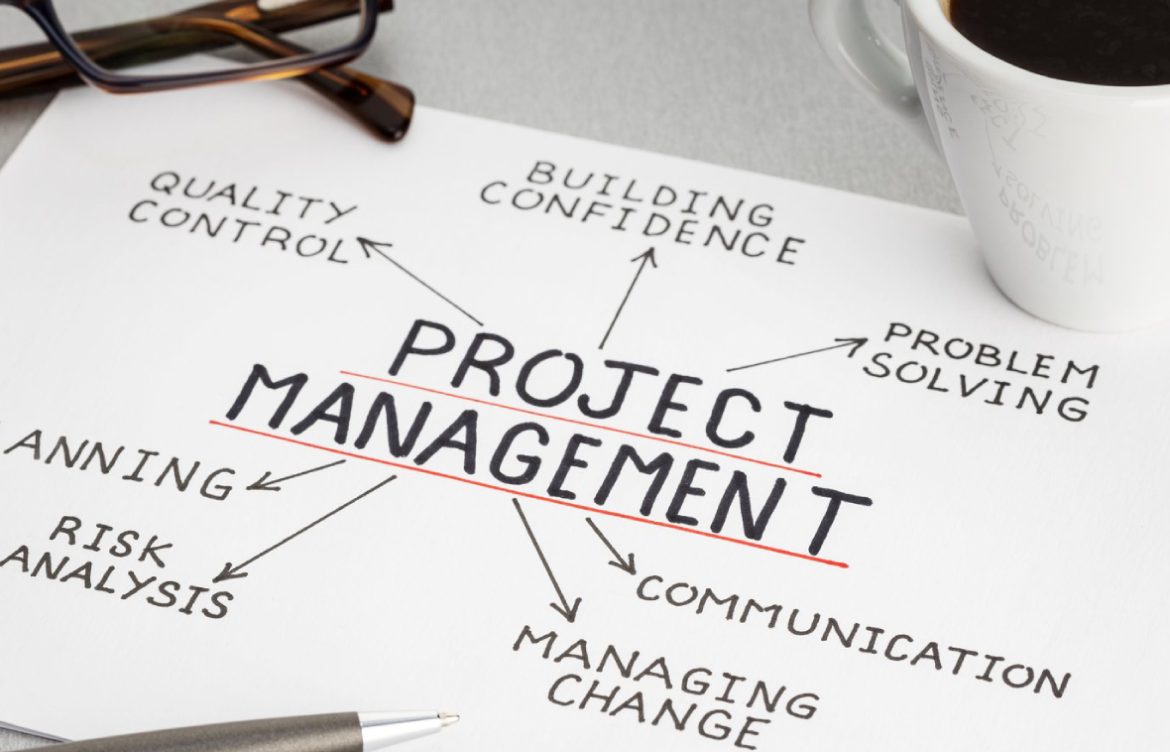
Project Management Tools for Developers
Effective project management is crucial for developers, whether you’re working solo or on a team. The right project management tools help you plan tasks, track progress, collaborate efficiently, and deliver projects on time. By integrating these tools into your workflow, you can stay organized, focused, and productive while coding.
Why Project Management Tools Matter for Developers
- Task organization: Break down complex projects into manageable steps.
- Time tracking: Set deadlines, milestones, and monitor progress.
- Collaboration: Coordinate with teammates and share updates in real time.
- Documentation: Keep notes, requirements, and project plans organized.
- Transparency: Easily track what’s completed, pending, or in progress.
Top Project Management Tools for Developers
1. Trello
- Overview: Visual task management using boards, lists, and cards.
- Best For: Small teams or individual developers managing tasks.
- Features: Drag-and-drop task management, labels, due dates, checklists, integrations with GitHub and Slack.
2. Asana
- Overview: Comprehensive task and project management tool.
- Best For: Teams working on multiple projects or software releases.
- Features: Task assignments, deadlines, project timelines, reporting, and integrations with Slack, GitHub, and other apps.
3. Jira
- Overview: Agile project management tool widely used in software development.
- Best For: Scrum and Kanban teams managing software development projects.
- Features: Sprint planning, backlog management, issue tracking, reporting, and integration with version control tools.
4. Notion
- Overview: All-in-one workspace for notes, tasks, databases, and project management.
- Best For: Developers who want flexible documentation and task tracking.
- Features: Kanban boards, to-do lists, wikis, calendars, and collaborative workspaces.
5. ClickUp
- Overview: Task and project management platform for teams and individuals.
- Best For: Developers looking for a customizable workspace with multiple views.
- Features: Gantt charts, task dependencies, time tracking, and integrations with GitHub, Slack, and other tools.
6. Monday.com
- Overview: Visual project management and workflow automation tool.
- Best For: Teams managing complex projects and software development cycles.
- Features: Customizable workflows, dashboards, integrations, and collaboration tools.
7. GitHub Projects
- Overview: GitHub’s built-in project boards for developers.
- Best For: Developers who want project tracking directly alongside code repositories.
- Features: Kanban-style boards, task tracking, linking issues and pull requests, milestones, and automation.
8. Basecamp
- Overview: Simplified project management and team communication tool.
- Best For: Small teams or freelance developers managing multiple clients.
- Features: To-do lists, message boards, schedules, file storage, and group chat.
9. Wrike
- Overview: Professional project management and collaboration platform.
- Best For: Teams with complex projects or cross-department workflows.
- Features: Gantt charts, dashboards, task management, reporting, and integrations with coding tools.
10. ZenHub
- Overview: Project management directly integrated with GitHub repositories.
- Best For: Developers who want to manage Agile workflows without leaving GitHub.
- Features: Kanban boards, sprints, epics, reporting, and GitHub issue integration.
Tips for Using Project Management Tools Effectively
- Define clear tasks: Break projects into actionable, measurable tasks.
- Use boards and labels: Categorize tasks by priority, status, or type.
- Set deadlines: Keep track of milestones and avoid delays.
- Collaborate and communicate: Share updates, assign tasks, and provide feedback regularly.
- Integrate with coding tools: Link your project management platform to GitHub, Slack, or IDEs for seamless workflow.
- Review regularly: Conduct retrospectives or weekly reviews to improve productivity.
- Keep documentation centralized: Use wikis or notes to store project details.
Conclusion
Project management tools are essential for developers to stay organized, meet deadlines, and collaborate effectively. From Trello and Asana for beginners to Jira and ZenHub for Agile teams, these tools streamline workflow, improve transparency, and reduce chaos in software development projects.
At CodeByHer, we encourage developers to experiment with project management platforms to find the one that best fits their workflow. Combining task organization with coding productivity ensures that your projects run smoothly from planning to deployment.