
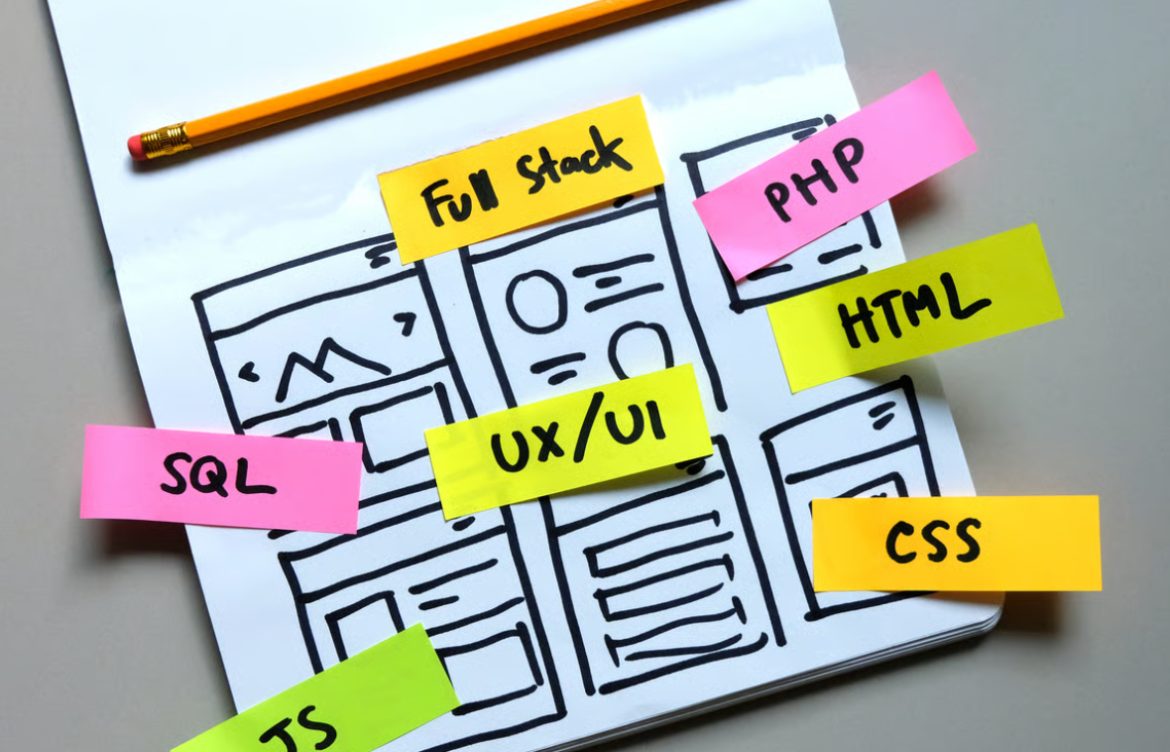
HTML, CSS, JavaScript Roadmap for Beginners
Introduction
Learning frontend development can feel overwhelming with so many technologies and tools to master. The key is to follow a structured roadmap that guides you step by step. For teen girls starting their coding journey, a roadmap focused on HTML, CSS, and JavaScript provides a solid foundation to build websites, web apps, and portfolios.
This guide breaks down the roadmap into easy-to-follow steps, recommended learning paths, and tips to master these essential frontend technologies.
1. Step 1: Learn HTML – The Structure of the Web
HTML (HyperText Markup Language) is the foundation of any website. It defines the structure and content of web pages.
Key Topics to Learn:
- Basic tags:
<h1>to<h6>,<p>,<a>,<img> - Lists:
<ul>,<ol>,<li> - Forms:
<input>,<button>,<select> - Semantic HTML:
<header>,<footer>,<section> - HTML5 elements:
<video>,<audio>,<canvas>
Practice Ideas:
- Create a personal website
- Build a simple biography page with images and links
- Make a contact form
Tip: Focus on creating clean, semantic, and well-structured HTML.
2. Step 2: Learn CSS – Styling and Layout
CSS (Cascading Style Sheets) brings HTML to life by adding style, colors, and layouts.
Key Topics to Learn:
- Selectors and properties: color, font, background
- Box model: margin, padding, border
- Flexbox: for flexible layouts
- Grid: for complex layouts
- Responsive design: media queries for different devices
- CSS transitions and animations
Practice Ideas:
- Style your personal website
- Build a responsive navigation menu
- Create a simple animated button or card
Tip: Combine Flexbox and Grid to make modern, flexible layouts.
3. Step 3: Learn JavaScript – Add Interactivity
JavaScript adds functionality and interactivity to websites. It allows you to update content dynamically, handle user events, and integrate APIs.
Key Topics to Learn:
- Variables, data types, and operators
- Functions and loops
- DOM manipulation: changing HTML and CSS dynamically
- Event handling: click, hover, form submission
- Arrays, objects, and JSON
- Fetch API and AJAX basics
Practice Ideas:
- Build a dynamic to-do list
- Create a quiz game
- Display live weather using an API
Tip: Always experiment by modifying HTML and CSS with JavaScript to see changes in real time.
4. Step 4: Combine HTML, CSS, and JavaScript
Once you know the basics of each technology, start combining them in projects:
- Build an interactive personal portfolio website
- Create a responsive blog template
- Develop a small game (like Tic-Tac-Toe)
- Make a simple calculator app
Tip: Focus on small projects first. Each project reinforces your understanding of how HTML, CSS, and JavaScript work together.
5. Step 5: Learn Developer Tools
Frontend developers use tools to streamline coding and debugging:
- Code Editors: VS Code, Sublime Text
- Version Control: Git and GitHub for project tracking
- Browser DevTools: Inspect elements, debug JavaScript, test responsiveness
Practice Idea: Inspect your favorite websites and see how they are structured and styled.
6. Step 6: Explore Advanced CSS and JavaScript
Advanced CSS:
- CSS variables
- Transitions and animations
- Pseudo-classes and pseudo-elements
- Responsive grids and advanced layouts
Advanced JavaScript:
- ES6+ features (arrow functions, destructuring, modules)
- Object-oriented programming
- Fetching and displaying API data
- Event delegation and higher-order functions
Tip: Don’t rush advanced topics; first master the fundamentals.
7. Step 7: Learn a Frontend Framework
After mastering HTML, CSS, and JavaScript, learning a framework like React, Vue, or Angular is the next step. Frameworks help you build complex web applications efficiently.
Tip: Start with React, as it’s beginner-friendly and widely used in industry.
8. Step 8: Build Projects and Portfolio
Projects are the best way to showcase your skills:
- Personal portfolio website
- Interactive photo gallery
- Weather app or To-do list app
- Mini e-commerce store
Tip: Push your projects to GitHub and add them to your portfolio.
9. Step 9: Join Coding Communities
Engage with other teen developers to learn, share, and get feedback:
- Online forums: Stack Overflow, Dev.to
- CodebyHer community
- GitHub collaboration
- Coding clubs and workshops
Tip: Learning with peers accelerates your growth.
10. Step 10: Keep Learning and Practicing
Frontend development is constantly evolving. Stay updated with:
- New CSS features and layout techniques
- Modern JavaScript updates
- Trends in UI/UX design
- New libraries and frameworks
Tip: Practice consistently and challenge yourself with new projects.
Conclusion
Following a structured HTML, CSS, and JavaScript roadmap helps teen girls develop a strong foundation in frontend development. By mastering the basics, building projects, and exploring frameworks like React, you can confidently create interactive and responsive websites.
Encouragement: Every line of code you write brings you closer to becoming a skilled frontend developer. Start small, practice consistently, and enjoy the journey of creating amazing web experiences.