
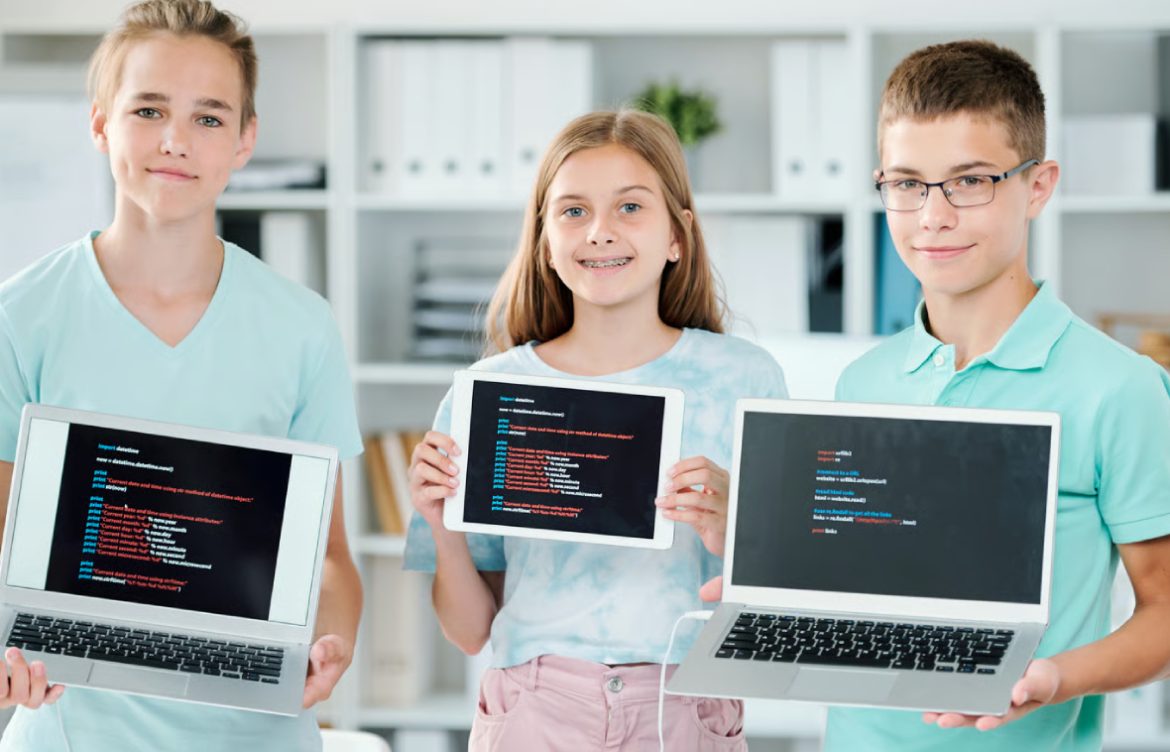
Best Programming Languages for Kids
Introduction
Learning to code at a young age can boost creativity, problem-solving, and critical thinking. But beginners—especially kids—need languages that are fun, visual, and easy to understand. This guide explores the best programming languages for kids, their benefits, and why they’re suitable for young learners.
1. Scratch
Overview: Scratch is a block-based programming language developed by MIT for kids aged 8–16. It uses a drag-and-drop interface, so children don’t need to type code manually.
Why It’s Great for Kids:
- Fun and interactive with sprites, sounds, and animations
- Encourages creativity through game and animation projects
- Visual learning helps kids understand programming logic
What Kids Can Build:
- Games like maze challenges or quizzes
- Animated stories
- Interactive cards and simple apps
Learning Outcomes:
- Understanding loops, events, and conditionals
- Logical thinking and sequencing
- Basic problem-solving skills
2. Python
Overview: Python is widely regarded as the best first text-based programming language for beginners, including kids aged 10+. Its syntax is simple, readable, and intuitive.
Why It’s Great for Kids:
- Uses plain English commands
- Large community with free learning resources
- Supports projects in games, graphics, and AI
What Kids Can Build:
- Text-based games (e.g., guess the number)
- Simple drawing programs with Turtle graphics
- Beginner data projects or simulations
Learning Outcomes:
- Problem-solving with loops and conditionals
- Variables and functions
- Introduction to software development concepts
3. JavaScript
Overview: JavaScript is a versatile language used for interactive web development. Kids aged 12+ can use it to bring websites and games to life.
Why It’s Great for Kids:
- Immediate visual feedback in the browser
- Interactive projects keep kids engaged
- Teaches real-world programming concepts
What Kids Can Build:
- Interactive websites with buttons, forms, and animations
- Web-based games like quizzes or memory games
- Simple drawing apps using HTML canvas
Learning Outcomes:
- Understanding DOM manipulation
- Event handling and functions
- Introduction to web development
4. Blockly
Overview: Blockly is a visual programming library similar to Scratch but can generate Python, JavaScript, or other language code.
Why It’s Great for Kids:
- Drag-and-drop interface reduces syntax frustration
- Bridges visual coding to real coding languages
- Easy to use for beginners and young learners
What Kids Can Build:
- Simple games and puzzles
- Story animations
- Web or mobile apps with Blockly-integrated platforms
Learning Outcomes:
- Logical reasoning and sequencing
- Understanding variables and loops
- Smooth transition to text-based programming
5. Swift Playgrounds
Overview: Swift Playgrounds is a coding app for iPad developed by Apple. It introduces kids to Swift programming in a gamified environment.
Why It’s Great for Kids:
- Interactive lessons with fun challenges
- Visual progress tracking and rewards
- Suitable for kids 10+ and beginner-friendly
What Kids Can Build:
- Fun puzzles
- Simple iOS apps
- Games with interactive characters
Learning Outcomes:
- Understanding programming concepts in a professional language
- Early exposure to app development
- Encourages logical thinking
6. HTML & CSS (Web Basics)
Overview: HTML and CSS are markup and styling languages, perfect for introducing kids aged 10+ to web development.
Why It’s Great for Kids:
- Immediate visual results in browsers
- Teaches structure and design of web pages
- Engaging for creative kids
What Kids Can Build:
- Personal websites or blogs
- Interactive story pages
- Simple portfolios with images and text
Learning Outcomes:
- Understanding structure vs. style
- Basic web development skills
- Creativity through digital design
7. Micro:bit and MakeCode
Overview: Micro:bit is a small programmable hardware device, and MakeCode allows kids to program it visually.
Why It’s Great for Kids:
- Hands-on learning with physical devices
- Combines coding and electronics
- Fun, interactive, and engaging
What Kids Can Build:
- LED animations
- Simple robots or games
- Temperature sensors or counters
Learning Outcomes:
- Introduction to hardware and software integration
- Logic and problem-solving
- Basic electronics concepts
Tips for Choosing the Right Language for Kids
- Start with visual programming (Scratch, Blockly) for younger kids
- Introduce text-based coding (Python, JavaScript) for older kids
- Pick languages with lots of tutorials and community support
- Ensure projects are fun, interactive, and achievable
- Mix creativity with coding to maintain interest
Conclusion
The best programming languages for kids combine fun, creativity, and learning. Visual languages like Scratch and Blockly are ideal for younger beginners, while text-based languages like Python and JavaScript prepare older kids for real-world programming. By starting early, children develop problem-solving skills, logical thinking, and confidence in technology—skills that will benefit them for life.