
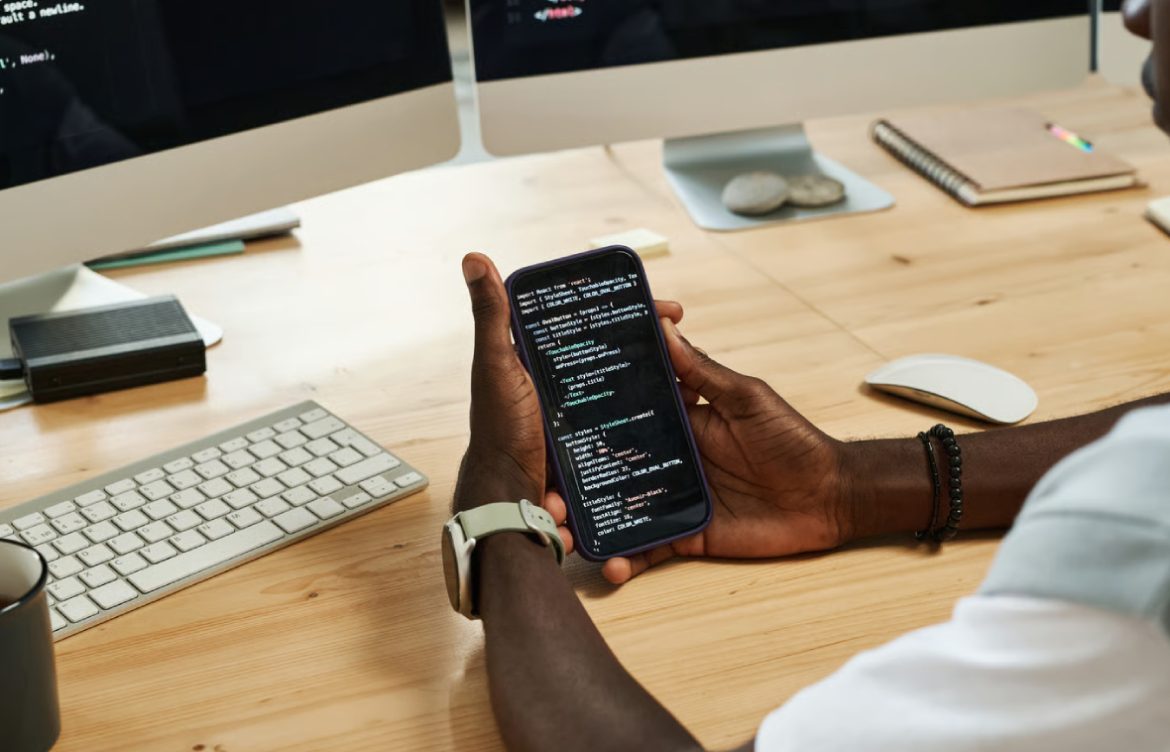
Beginner Guide to Mobile App Development
Introduction
Mobile apps have become an essential part of our daily lives—from social media and messaging apps to games and productivity tools. For teen girls exploring technology, learning mobile app development opens doors to creative projects, tech skills, and even future career opportunities.
This guide provides a comprehensive beginner-friendly roadmap to mobile app development, explaining tools, platforms, and essential concepts to get started.
1. What Is Mobile App Development?
Mobile app development is the process of creating software applications that run on smartphones and tablets. These apps can be:
- Native Apps: Built specifically for a platform like iOS or Android
- Cross-Platform Apps: Built to work on multiple platforms using the same codebase
- Web Apps: Mobile-optimized websites that behave like apps
Example: Instagram is a native app for iOS and Android, while Twitter also offers a mobile web version.
2. Platforms for Mobile App Development
2.1 iOS
- Developed for Apple devices like iPhone and iPad
- Uses Swift or Objective-C programming languages
- Apps are published on the Apple App Store
2.2 Android
- Developed for devices using Google’s Android OS
- Uses Kotlin or Java
- Apps are published on the Google Play Store
2.3 Cross-Platform
- Single codebase runs on both iOS and Android
- Popular frameworks: Flutter, React Native
- Saves time and development effort
Tip: Beginners can start with one platform or cross-platform tools depending on their goals.
3. Key Steps in Mobile App Development
- Idea & Planning: Define the purpose, audience, and features
- Design: Create wireframes, UI, and user experience
- Development: Write code for app functionality
- Testing: Ensure the app works properly on different devices
- Deployment: Publish the app on app stores
- Maintenance: Update features, fix bugs, and optimize performance
Tip: Even simple apps like a to-do list or calculator are great starting projects.
4. Programming Languages for Mobile Apps
- Swift: iOS development, beginner-friendly syntax
- Kotlin: Modern Android development language
- Java: Traditional Android development language
- Dart: Used with Flutter for cross-platform apps
- JavaScript: Used with React Native for cross-platform apps
Tip: Choose a language based on the platform you want to target first.
5. Mobile App Development Tools
- Xcode: Official iOS development environment
- Android Studio: Official Android IDE
- Flutter SDK: Build cross-platform apps with Dart
- React Native: Build apps using JavaScript
- Figma or Adobe XD: UI/UX design
Tip: Many tools offer free beginner versions, so you can start learning without cost.
6. Mobile App Architecture Basics
- Frontend: The visual part users interact with
- Backend: Server, database, and logic powering the app
- APIs: Connect frontend and backend or third-party services
- Data Storage: Local storage on the device or cloud storage
Tip: Understanding both frontend and backend is key for building functional apps.
7. Testing and Debugging
- Test on real devices or simulators
- Check for bugs, crashes, and user experience issues
- Use tools like Firebase Test Lab or Xcode Simulator
- Test responsiveness, battery usage, and performance
Tip: Early testing prevents major issues during deployment.
8. Beginner-Friendly Mobile App Ideas
- To-do list app
- Calculator app
- Quiz app
- Simple chat or messaging app
- Recipe or meal planner app
Tip: Start small, build confidence, and gradually add complexity.
9. Learning Resources
- Online Tutorials: freeCodeCamp, Udemy, Codecademy
- Documentation: Flutter, React Native, Android Developer, Apple Developer
- Communities: Stack Overflow, Reddit, GitHub
Tip: Join coding communities to ask questions, share projects, and gain feedback.
10. Conclusion
Mobile app development is a creative and practical skill that opens doors to tech careers and exciting projects. Teen girls can start with beginner-friendly languages, cross-platform tools, and small projects to build confidence. By practicing regularly and experimenting with different ideas, you’ll develop the skills to create functional, visually appealing, and user-friendly apps.
Encouragement: Start coding today, explore tools, and create your first mobile app—every small project takes you closer to becoming a skilled app developer.