
Beginner Coding Projects for Kids
Introduction
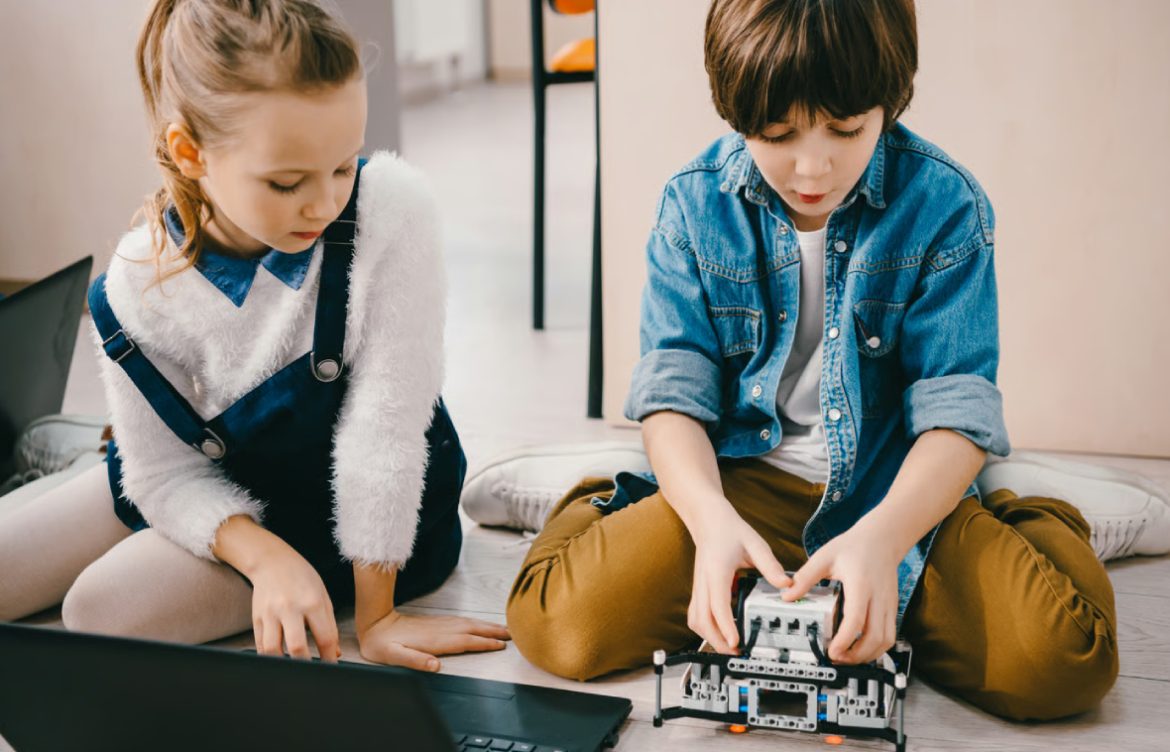
Coding projects are a fun and effective way for kids to learn programming. They allow children to apply concepts, experiment with ideas, and create something tangible. Beginner-friendly projects help kids develop problem-solving skills, creativity, and confidence while making learning engaging and practical.
1. Build a Simple Animation
Platform: Scratch, Tynker
Project Idea:
- Animate a character to move across the screen
- Add speech bubbles, sounds, and costume changes
Skills Learned:
- Sequencing and loops
- Event-driven programming
- Creative storytelling
Tip: Start with one character and one background, then gradually add complexity.
2. Create a Catch-the-Falling-Object Game
Platform: Scratch, Python (for older kids)
Project Idea:
- The player moves a basket to catch falling objects
- Points are scored for each object caught
Skills Learned:
- Conditional statements (if…then)
- Variables to track scores
- Loops and timing
Tip: Add levels or increasing difficulty as kids improve.
3. Design an Interactive Story
Platform: Scratch, Blockly
Project Idea:
- Create a story where characters interact based on choices
- Include animations, dialogue, and music
Skills Learned:
- Logical sequencing
- Conditional statements for choices
- Creativity and narrative design
Tip: Encourage kids to write their own storylines to increase engagement.
4. Build a Personal Website
Platform: HTML & CSS, Glitch, CodePen
Project Idea:
- Create a simple web page about hobbies, favorite books, or pets
- Include headings, images, links, and colors
Skills Learned:
- HTML structure and CSS styling
- Basic design principles
- Web development fundamentals
Tip: Start with a single-page website, then expand with multiple pages or interactive elements.
5. Code a Virtual Pet
Platform: Scratch, Python (Turtle graphics)
Project Idea:
- Create a pet that responds when fed, played with, or given commands
- Track pet stats like happiness, energy, or health
Skills Learned:
- Variables to store data
- Functions to trigger actions
- Conditional statements for responses
Tip: Kids can customize pet appearance and interactions to make the project unique.
6. Create a Quiz Game
Platform: Scratch, Python, JavaScript
Project Idea:
- Multiple-choice quiz with instant feedback and score tracking
- Questions can be about any subject of interest
Skills Learned:
- Conditional statements
- Variables for scores
- User input and interactivity
Tip: Start with 5–10 questions and add more as skills improve.
7. Design a Maze Game
Platform: Scratch, Python (Pygame)
Project Idea:
- Program a character to navigate through a maze using arrow keys
- Track time or moves taken to complete the maze
Skills Learned:
- Event-driven programming
- Loops and collision detection
- Problem-solving and logical thinking
Tip: Create multiple levels with increasing difficulty for more fun.
8. Make a Music or Rhythm Game
Platform: Scratch, Tynker
Project Idea:
- Program a game where players press keys in time with music
- Add sound effects and visual feedback
Skills Learned:
- Event handling and timing
- Sound integration in coding
- Creative thinking and pattern recognition
Tip: Let kids choose their favorite songs to increase engagement.
9. Create a Drawing App
Platform: Scratch, Python (Turtle)
Project Idea:
- Develop a simple drawing program where users can draw shapes or patterns
- Add color selection and brush size options
Skills Learned:
- Event-driven programming
- Loops for repeated actions
- User input handling
Tip: Challenge kids to draw a small animation using their app.
10. Build a Mini Calculator
Platform: Scratch, Python
Project Idea:
- Create a program to perform addition, subtraction, multiplication, and division
- Optional: add features like square root or percentages
Skills Learned:
- Functions and variables
- User input and output
- Debugging and testing
Tip: Encourage kids to customize the design with colors or interactive buttons.
Tips for Parents and Educators
- Start Small: Encourage projects that are simple and achievable
- Encourage Creativity: Let kids customize characters, colors, and stories
- Provide Guidance: Help with debugging but let kids try solutions independently
- Celebrate Progress: Praise completed projects and new skills learned
- Mix Platforms: Combine Scratch, Python, and HTML/CSS for diverse experiences
Conclusion
Beginner coding projects for kids are a fun and practical way to learn programming. From building games, animations, and websites to creating quizzes or virtual pets, these projects teach coding concepts, problem-solving, and creativity. By engaging in hands-on activities, kids gain confidence and skills that prepare them for more advanced coding challenges. These projects are not only educational but also fun, motivating, and inspiring for young learners.