
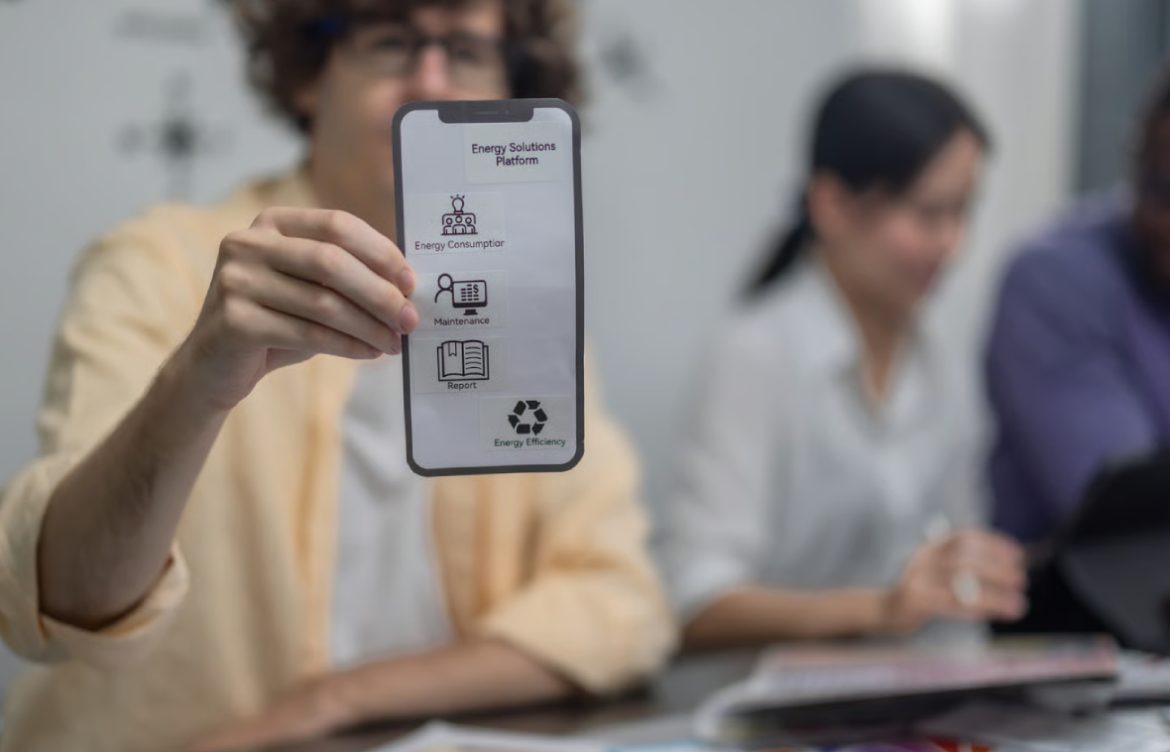
Mobile App Design Principles
Introduction
Design is a critical part of mobile app development. A well-designed app is not only visually appealing but also intuitive, accessible, and user-friendly. For teen girls learning app development, understanding mobile app design principles ensures that your projects are both functional and enjoyable for users. This guide covers key principles, tips, and best practices for designing great mobile apps.
1. User-Centered Design
The first principle of app design is focusing on users. Your app should solve a problem, entertain, or provide value to its audience.
Tips:
- Identify your target audience (age, interests, tech experience)
- Gather feedback during development
- Prioritize features based on user needs
Example: A study planner app should make adding tasks, tracking progress, and setting reminders easy and quick.
2. Keep It Simple
Simplicity improves usability. Avoid cluttered screens, excessive text, and unnecessary features.
Tips:
- Focus on core functionality
- Use minimal colors and clean layouts
- Limit the number of taps required to complete a task
Example: A calculator app should have a clean interface with only buttons for numbers and operations, avoiding distractions.
3. Consistency
Consistent design across screens helps users navigate easily. This includes colors, fonts, button styles, and icons.
Tips:
- Use a style guide to maintain uniformity
- Keep navigation patterns similar across the app
- Align elements consistently on each screen
Example: The back button should always appear in the same location on every screen for easy navigation.
4. Visual Hierarchy
Visual hierarchy directs users’ attention to the most important elements first. Size, color, and placement are key tools.
Tips:
- Highlight key actions with buttons and colors
- Use larger fonts for headings and smaller fonts for details
- Group related elements together
Example: In a shopping app, the “Buy Now” button should be prominent, while product descriptions are secondary.
5. Accessibility
Accessible apps ensure that everyone, including people with disabilities, can use your app effectively.
Tips:
- Use readable fonts and adequate contrast
- Add alternative text for images
- Support screen readers and voice commands
- Ensure buttons are large enough for easy tapping
Example: Colorblind users should still be able to navigate your app, so avoid relying solely on color to convey information.
6. Navigation Design
Clear navigation helps users move smoothly between app screens.
Tips:
- Use tabs or a menu for main sections
- Keep navigation simple and intuitive
- Provide feedback when users perform an action (e.g., highlight active tab)
Example: In a social media app, a bottom navigation bar can provide quick access to Home, Search, Messages, and Profile.
7. Feedback & Responsiveness
Apps should respond to user actions and provide feedback to avoid confusion.
Tips:
- Use loading indicators for slow actions
- Highlight tapped buttons
- Show confirmation messages after important actions
Example: When a user submits a form, show a success message or redirect to a confirmation screen.
8. Performance & Speed
Design also includes optimizing for performance. Users prefer apps that load quickly and run smoothly.
Tips:
- Optimize images and animations
- Avoid unnecessary processes running in the background
- Test on different devices to ensure consistent performance
Example: A game app with smooth animations keeps users engaged, while laggy apps frustrate them.
9. Testing Your Design
- Test your app with real users for feedback
- Conduct A/B testing for different layouts
- Check usability on different screen sizes and devices
Tip: Iterative testing improves your app and teaches you about user behavior.
10. Tools for App Design
- Figma: Collaborative and beginner-friendly
- Adobe XD: Professional prototyping and wireframing
- Sketch: Popular for iOS design
- Canva: Simple UI designs for small projects
Tip: Combine these tools with your coding environment to create a polished, functional app.
11. Beginner-Friendly Design Projects
- To-do list app: Focus on clean layout and easy task addition
- Quiz app: Use colorful, consistent design for questions and answers
- Recipe app: Organize ingredients and steps clearly for readability
- Simple game: Use visual hierarchy and feedback for game mechanics
- Social media mockup: Practice navigation and consistent interface
Encouragement: Start with small apps and gradually experiment with more advanced layouts, animations, and user interactions.
12. Conclusion
Good mobile app design combines simplicity, consistency, accessibility, and user-centered thinking. Teen girls learning app development can create more engaging and professional apps by applying these principles. Understanding the importance of visual hierarchy, feedback, navigation, and performance ensures that your apps are not only functional but also enjoyable to use.
Encouragement: Practice designing simple apps, test with real users, and refine your skills—great design makes your app stand out and builds your confidence as a developer.